DLS Window Metal Detector
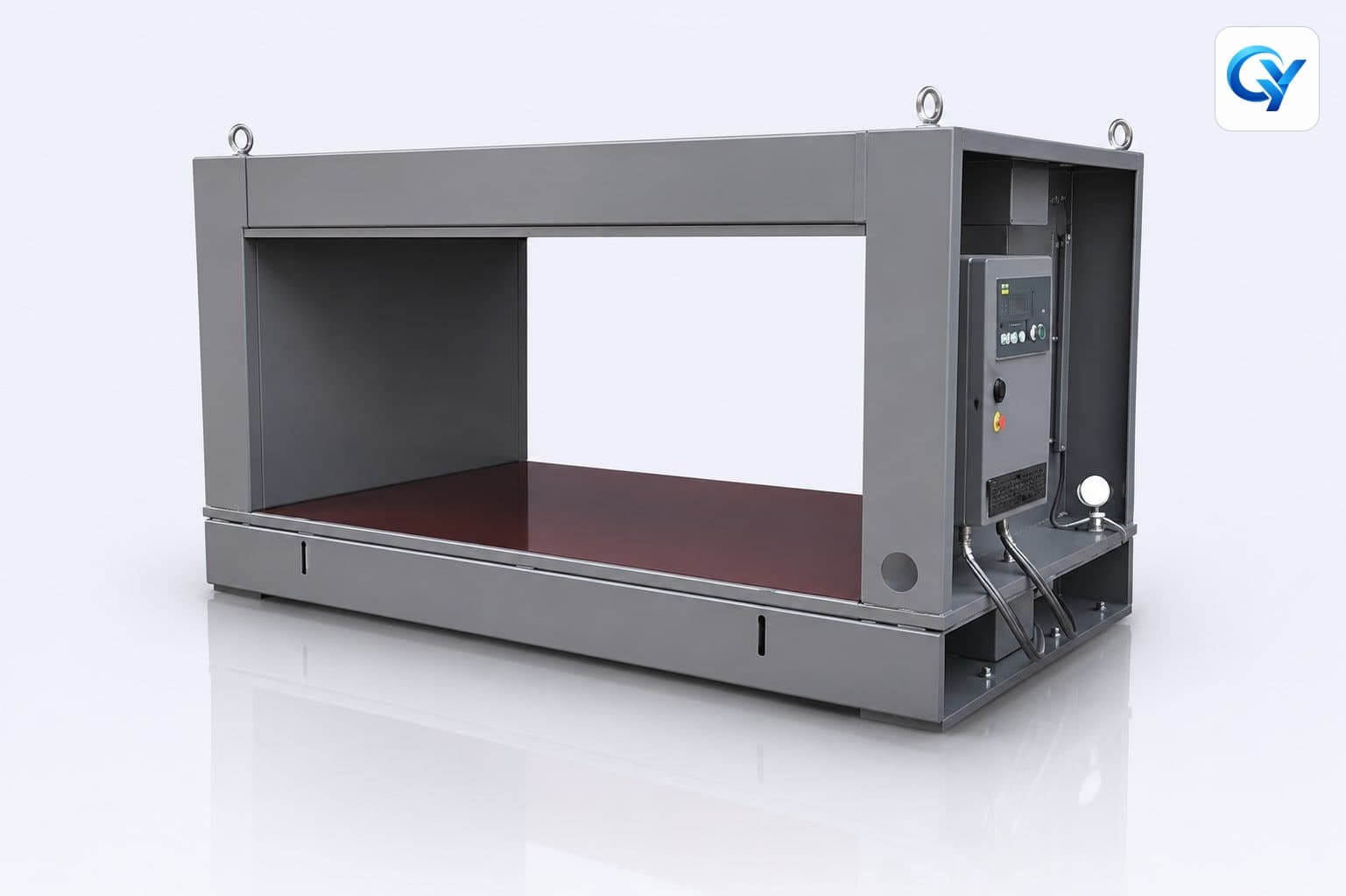
The DLS window metal detector monitors material passing through a defined detection opening.
Technical data- Process role
- Detect metal in a defined material path
- Detection scope
- Confirmed from the selected detector and product effect
- Action after alarm
- Alarm, stop or reject arrangement to be confirmed
Overview
The DLS window metal detector monitors material passing through a defined detection opening. It can be configured as part of an alarm, stop or reject response, but the final performance depends on the actual metal target, its size and orientation, opening dimensions, material effect, belt speed and installation isolation.
A metal detector does not physically remove detected material on its own, and it is not the same as a magnetic separator. Where ferromagnetic material must be removed, the line may also require a suitable magnetic separation stage.
How it fits your process
- 01Conveyed material
- 02Detector window
- 03Signal evaluation
- 04Alarm, stop or reject response
- 05Documented inspection action
Technical information
Published model references are shown here. Final technical values are confirmed from the selected configuration and site conditions.
Review technical dataWhy this configuration needs site information
Detection is not removal
A metal detector identifies a signal under its configured conditions. The alarm, stop or reject response is a separate line-design decision.
Opening and material matter
The window size, conveyed material, moisture or product effect and belt conditions should be reviewed together.
Integration is part of selection
The detector needs a defined conveyor or chute position, electrical interface and response procedure for the operating team.
Magnetic separation can be complementary
A magnetic separator may remove ferromagnetic contamination upstream, while a detector can be used for the separate detection role required by the line.
Where it fits in a typical material flow
The diagram is a planning aid. Final positioning is confirmed from the line layout and the material duty.
- 01Conveyed material
- 02Detector window
- 03Signal evaluation
- 04Alarm, stop or reject response
- 05Documented inspection action
Typical materials and industry contexts
Technical specifications and confirmation basis
Published model references are shown where available. Final technical details are confirmed from current product records, material and site conditions.
What to send for an initial configuration review
- Describe the actual conveyed product and operating conditions.
- State whether the line requires an alarm, stop signal or a separately designed reject action.
- Do not use a metal detector specification as proof that metal is automatically removed.
Important boundary
- Detection capability must not be claimed without the actual material, aperture and operating condition.
- The detector is not presented as an automatic metal-removal device.
Send the process details with the product pre-selected in the inquiry form.
Start product inquiryRelated products for the same process line
Questions to resolve before ordering
What does a window metal detector do?
It monitors material passing through a defined aperture and provides a response according to its configuration. The final detection capability depends on the actual product, opening and operating conditions.
Does a metal detector remove metal automatically?
Not by itself. Removal requires an appropriate reject, stop or downstream separation arrangement designed for the production line.
Can a magnetic separator and metal detector be used together?
Yes, when their separate roles are clear: magnetic equipment addresses ferromagnetic material, while a detector provides the detection function required by the line.
What is required for a detector selection review?
Provide the window size, conveyor arrangement, material, product effect, expected contaminant, belt speed, required response and available electrical interface.
Share the operating conditions for DLS Window Metal Detector
Share your material, throughput and installation details so we can review the right configuration.